
Plain language at the touch of a button: can AI do it?
Read story
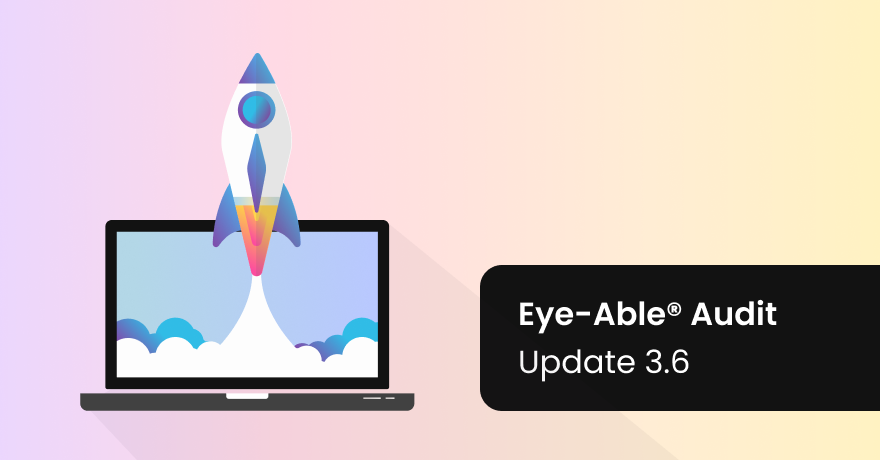
Audit Update 3.6 introduces a major new function, the Report Page Actions Recorder.
This allows you to record processes for an Eye-Able® report, such as filling out an application form. The recorded actions are then automatically played back the next time the report is run and previously hidden areas of your page are also tested.
Many small improvements and bug fixes have also been made in the latest updates. The number of errors may change slightly as a result. It is always our goal to be able to automatically detect as many errors as possible without false-positive detections.
Previously, actions for reports could only be carried out in the dashboard under the report settings. Now you can include actions via the audit browser extension. Clicks and keystrokes are recorded and can be saved. For example, you can test logins to hidden areas, application routes or JavaScript-based web apps fully automatically.
We are continuously working to make our solutions even more powerful, intuitive, and precise - so you can implement accessibility with confidence.
 Reduced Illustration of the page action recorder

Plain language at the touch of a button: can AI do it?
Read story
Talking to everyone about everything: a guide to inclusive language
Read story
What does an inaccessible website really cost?
Read story
Your WordPress site is never really finished: Why continuous maintenance matters
Read story
A New Leadership Team for Eye-Able: Oliver Berchtold Appointed CEO
Read story
HubSpot drops orange: how accessibility reshaped the CRM's design
Read story
AC Monza chooses Eye-Able for digital accessibility
Read story
How to make your website EAA-compliant in 8 steps
Read story
Looking back at the 2026 World Cup: How accessible was the tournament really?
Read story
Accessibility warnings in Austria? What European businesses need to know
Read story
One year of the EAA: Where businesses still fall short
Read story
No, an overlay tool doesn’t magically make a website accessible
Read story
