:no_upscale():format(png))
The UN Convention on the Rights of Persons with Disabilities at a glance
Read story
 Does an overlay automatically make a website accessible?
Let’s cut straight to the chase: no. An overlay on its own will not make your website accessible.
A website is only truly accessible when people with all kinds of impairments can easily navigate and use all of its content and features completely on their own. An overlay basically just tweaks how things look on the surface—the frontend. But that surface layer has absolutely nothing to do with how your content is actually managed and built in the backend.
And that’s exactly where the issue lies. Deep-rooted, structural barriers can’t just be papered over. We’re talking about things like:
Proper heading structures (which are vital for people to find their way around)
Missing form labels (which can make it physically impossible to check out or buy something)
Missing alt text on images
Poor keyboard and screen reader navigation
At the end of the day, whether a website meets WCAG standards or legal requirements comes down to one thing: how it was built in the first place. Accessibility barriers need to be fixed directly in the code and the content—not just hidden behind a widget.
An overlay is no substitute for accessible development. This isn’t just what current testing methods show—it’s also the official stance of the federal and state monitoring bodies for digital accessibility. They’ve made it clearthat a website which isn’t inherently accessible won’t suddenly meet legal requirements just because an overlay tool is plugged in. On top of that, overlay tools can actually end up creating brand-new barriers undercertain circumstances.
A recent audit report from Austria perfectly highlights how authorities are putting these principles into practice.
The website in question was first tested with the overlay features turned off. Only after that did the authorities take a look at the widget itself. The findings? The core accessibility barriers were still there, and some of the overlay features actually caused fresh problems. At the end of the day, it didn't matter whether a widget was installed—what mattered was whether the website itself could actually be used accessibly.
However, this doesn’t mean accessibility overlays are completely useless. It all comes down to what you are actually asking them to do. And that is exactly where a classic quick-fix overlay differs from a sustainable, long-term accessibility strategy.
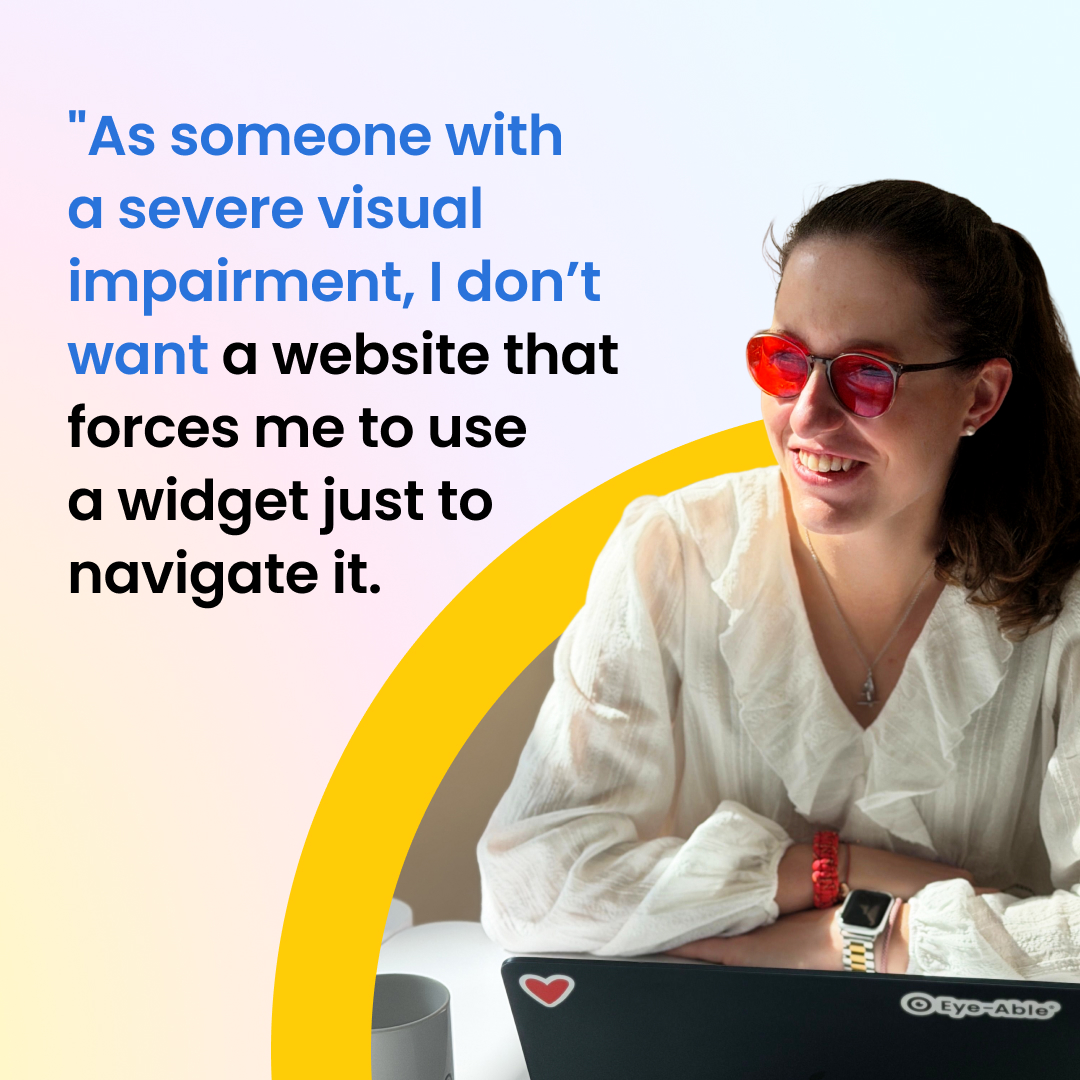
Eye-Able is sometimes mistaken for a traditional overlay solution. In reality, our all-in-one platform takes a completely different approach.
While standard overlay tools only offer surface-level features on a website, Eye-Able supports the entire digital accessibility journey. We cover everything from automated analysis, manual testing, and continuous monitoring, right through to long-term issue resolution and legally required documentation.
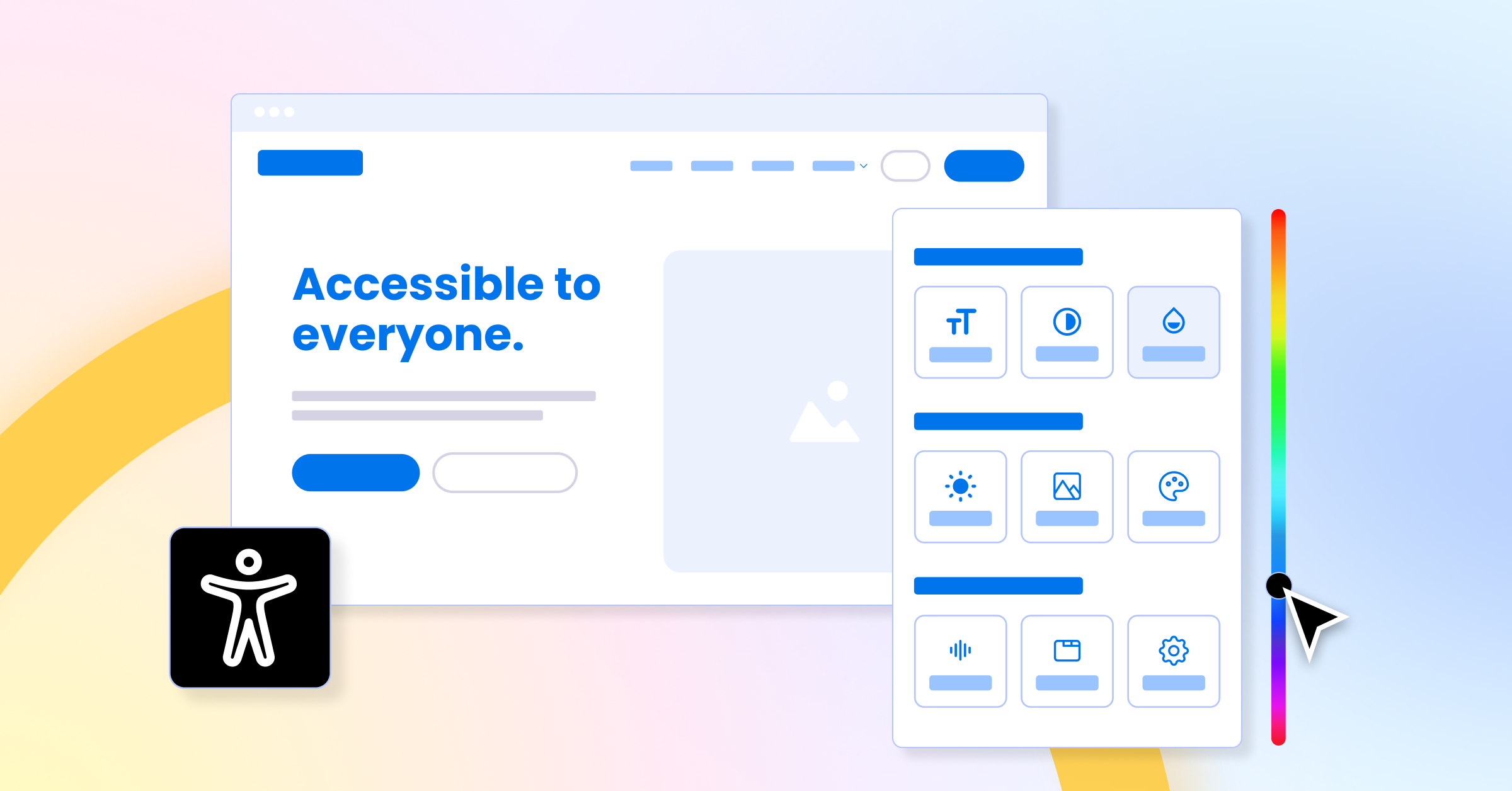
Eye-Able Assist is just one part of this broader platform. It enhances an already accessible website by giving users extra support—but it never replaces the foundational work.
“Eye-Able is far more than just our visual assistant software, Assist; it encompasses automated auditing tools (Audit, Report & AI testing), translation features, support for creating plain-language content, and manual expert testing. As a website extension, Eye-Able Assist is designed to provide added value for individuals who do not use their own assistive software—it is not intended to guarantee legal compliance for websites.”
Tobias Greiner, CTO and Co-Founder of Eye-Able
Our assistive technology, Eye-Able Assist, originally grew out of a research project conducted in close cooperation with the Berufsförderungswerk Würzburg (Vocational Training Center) and the Blindeninstitutsstiftung (Institute for the Blind). Drawing on insights from numerous interviews, we identified the most critical adaptation needs and integrated them directly into the software. These include text and control element magnification, various contrast modes, blue light and color deficiency filters, a text-to-speech function, and the ability to easily hide distracting page content such as images or animations.
A key catalyst for this development was the realization that standard operating system or browser functions are simply too complicated or inadequate for many people. Operating either as a website plugin or directly as a browser extension, Assist bridges this exact gap by providing intuitive, accessible entry. Crucially, the tool specifically targets users who do not have their own specialized assistive technology—it is not aimed at blind individuals or screen reader users. We rigorously ensure through continuous testing that Assist does not interfere with or negatively impact screen readers in any way.
If you want to achieve long-term digital accessibility and meet legal requirements, you need a multi-layered approach. This should include things like:
Automated WCAG and AI-powered testing to spot technical and content-related barriers.
Manual accessibility testing carried out by experts with impairments.
Continuous monitoring so new barriers are caught early on.
Remediation support providing clear, actionable steps to fix issues.
Accessibility statements and all legally required documentation.
AI-driven features, such as tools for transcriptions, translations, or plain language.
Optional assistive features for users who want to personalise how content looks.
These are exactly the building blocks that Eye-Able brings together into one single digital accessibility platform.

Accessibility overlays can be a great way to enhance a website that is already accessible. However, they are no substitute for accessible development, regular testing, or fixing underlying barriers for good.
At the end of the day, digital accessibility isn't a one-off task or a single product. It’s an ongoing process that connects development, testing, documentation, and monitoring.
That is exactly why Eye-Able takes a holistic, platform-based approach. We help businesses systematically spot barriers, fix them for the long term, log legal requirements, and keep their digital productsaccessible as they evolve.
Once that foundation is in place, Eye-Able Assist makes things even easier for users. The tool gives people the power to tailor the look and functionality to their personal needs—but it is by no means a prerequisite for making the website accessible in the first place.
Not necessarily. It’s much more about how they’re used and how they're marketed.
Accessibility overlays have been a hot topic for years. Some providers pitch them as a quick fix for digital accessibility, while others reject them outright. As with most things, the reality lies somewhere in the middle.
According to federal and state monitoring bodies, overlay tools can’t automatically make an inaccessible website accessible. At the same time, however, authorities point out that overlays can be a great way to build on an already accessible foundation, offering extras that go above and beyond what the law strictly requires.
We’re talking about things like customisable contrasts, extra-large font sizes, or features that make reading and absorbing content easier. While these features usually aren't legally mandated, they can makenavigating an already accessible website even smoother.
An overlay is at its most effective when the website itself has already been built to be largely accessible.
If the navigation, forms, keyboard controls, screen reader compatibility, and other core requirements are already sorted, then extra features like text magnification, contrast adjustments, or text-to-speech toolscan offer real value to a lot of people.
In this scenario, the overlay enhances the user experience—but it doesn't replace accessible development, fixing bugs in the code, or regular accessibility testing. That is exactly why overlay features shouldalways be seen as a bonus, not a replacement for a sustainable accessibility strategy.
We’re not fans of blanket statements. Accessibility overlays aren’t a silver bullet, but they aren't inherently useless either. At the end of the day, it all depends on what you are actually trying to achieve with them.
No. Using an accessibility widget is completely voluntary.
Many users already tailor digital content to their needs using their device settings, browser zoom, or free browser extensions. That said, having an accessibility widget built directly into a website can still offer unique benefits.
Because its features can be tailored to the specific website, it can target and adjust the relevant CSS classes. This means content can be magnified or redesigned without text overlapping, buttons vanishing, or parts of the page getting cut off.
These customisation features are primarily aimed at people who want to adjust things like contrasts, font sizes, colours, or layout to suit their personal preferences. On the other hand, for blind users navigating with a screen reader, the core structure and usability of the actual website are what matter most.
That is why a website must be fully usable via keyboard and standard assistive technologies before any widget is activated. If a widget is provided, the widget itself must also be fully accessible and must not clash with a user's own assistive tools.
Ultimately, an accessibility widget is not a prerequisite for digital accessibility, nor is it a substitute for accessible code. However, on a site that has already been built accessibly, it can provide great added value as an optional personalisation and assistance tool.
Find out if your website works for everyone—test it for free with Eye-Able!
The UN Convention on the Rights of Persons with Disabilities at a glance
Read story:no_upscale():format(png))
Inclusive online meetings: our top accessible best practices
Read story:no_upscale():format(png))
Barrier-free visions: Eye-Able® and KölnTourismus move forward together
Read story:no_upscale():format(png))
Social media all social: accessibility on Instagram, TikTok and co.
Read story:no_upscale():format(png))
On the move with inclusion - traveling by bus and train
Read story:no_upscale():format(png))
Report Update: Google Lighthouse
Read story:no_upscale():format(png))
Talk to everyone about everything - Inclusive language
Read story:no_upscale():format(png))
Game over without inclusion: accessibility in video games
Read story:no_upscale():format(png))
Report Update: Spelling and grammar check
Read story:no_upscale():format(png))
Open your eyes in web design! - Color blindness on the Internet
Read story:no_upscale():format(png))
Celebrate barrier-free: About inclusive events
Read storyEye-Able® is featured in the new "StartUPdate" magazine!
Read story:no_upscale():format(png))
:no_upscale():format(png))