:no_upscale():format(png))
Webinar: AI in digital accessibility
Read story
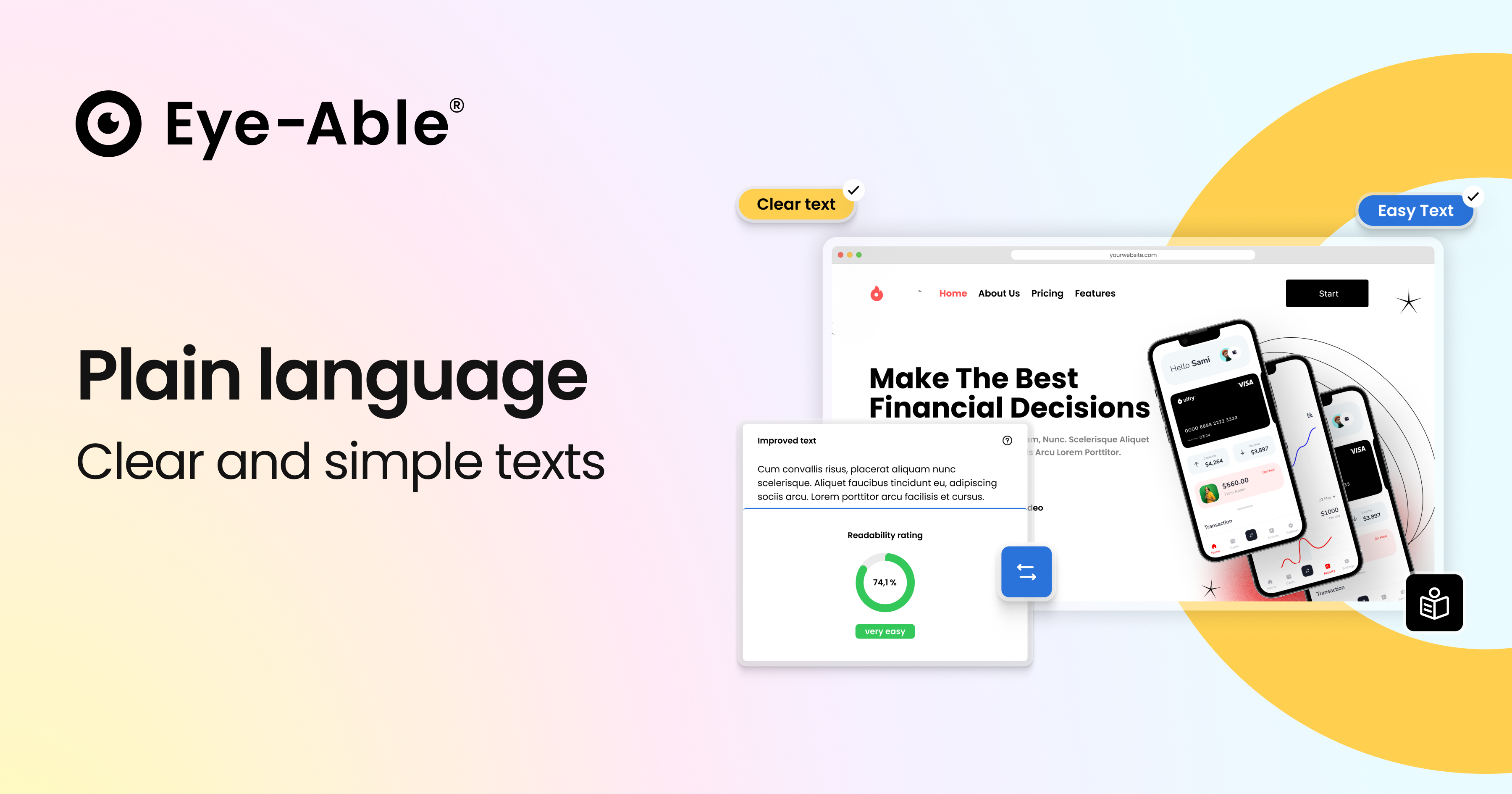 By providing content in plain language, you increase your reach and ensure clarity for everyone. You make your website more inclusive and strengthen trust among users with learning difficulties, low literacy levels, or dementia. In doing so, you aren't just fulfilling a duty; you are positioning your brand as open and accessible to new audiences.
Why this is so important:
26% of adults in Europe (aged 16–65) have low reading and writing skills.
Over 85 million people (20%) in Europe have a migrant background and benefit from clear, concise language.
To support you in this mission while meeting legal requirements, we have prepared the following text for your accessibility statement. You can easily integrate this section into your existing declaration:
This website uses the Eye‑Able Plain Language module from Web Inclusion GmbH to provide content in an easy-to-understand format. This module supports visitors who face challenges understanding complex texts due to cognitive impairments, reading difficulties, or limited language proficiency.
Eye‑Able Plain Language uses Artificial Intelligence (AI) to analyse content and transform it into a clearer form. Its features include:
Automatic simplification of texts directly on the website.
Clearer structure: Converting complex phrasing into simpler words and shorter sentences.
Multilingual support: Compatibility with various languages and an uncomplicated language switch.
User-centric: Integrated as a click-function, allowing visitors to activate Simple Language themselves whenever needed.
Quality assurance: Option for manual editing to ensure optimal clarity and precision.
The integration is carried out via a short JavaScript snippet. The use of this function serves to improve understandability in accordance with digital accessibility requirements, enabling equal access to your information for everyone.
Digital accessibility decides whether customers can shop at all. Check your website’s accessibility now – and reduce legal risk before it becomes a problem.
Webinar: AI in digital accessibility
Read story:no_upscale():format(png))
The UN Convention on the Rights of Persons with Disabilities at a glance
Read story:no_upscale():format(png))
Inclusive online meetings: our top accessible best practices
Read story:no_upscale():format(png))
Barrier-free visions: Eye-Able® and KölnTourismus move forward together
Read story:no_upscale():format(png))
Social media all social: accessibility on Instagram, TikTok and co.
Read story:no_upscale():format(png))
On the move with inclusion - traveling by bus and train
Read story:no_upscale():format(png))
Report Update: Google Lighthouse
Read story:no_upscale():format(png))
Talk to everyone about everything - Inclusive language
Read story:no_upscale():format(png))
Game over without inclusion: accessibility in video games
Read story:no_upscale():format(png))
Report Update: Spelling and grammar check
Read story:no_upscale():format(png))
Open your eyes in web design! - Color blindness on the Internet
Read story:no_upscale():format(png))
Celebrate barrier-free: About inclusive events
Read story:no_upscale():format(png))
:no_upscale():format(png))