:no_upscale())
Een overlay maakt een website niet vanzelf toegankelijk
Lees verhaal
Digitale toegankelijkheid is veel meer dan een technische implementatie; het is een maatschappelijke noodzaak en een wettelijke verplichting.
Wereldwijd wordt geschat 1,3 miljard mensen leven met een aanzienlijke beperking. Voor hen – evenals voor ouderen of mensen die een locatie onder specifieke omstandigheden gebruiken (bijvoorbeeld fel zonlicht of mobiel gebruik) – toegankelijkheid bepaalt of ze überhaupt digitale content kunnen gebruiken.
Dit wordt nog verergerd door de druk van wettelijke voorschriften. De recente Europese Toegankelijkheidsverordening (EAA) Bedrijven worden wettelijk verplicht om de digitale toegankelijkheid van hun producten en webapplicaties te waarborgen. Het nalaten hiervan brengt niet alleen juridische gevolgen met zich mee, maar kan ook miljoenen gebruikers uitsluiten.
Het goede nieuws is dat inclusiviteit en commercieel succes hand in hand gaan. Een toegankelijke website biedt:
Groter bereik: Je bereikt meer potentiële klanten.
Betere SEO-zichtbaarheid: Veel toegankelijkheidscriteria (zoals een duidelijke structuur en zinvolle alternatieve tekst) verbeteren ook je ranking in zoekmachines.
Verbeterde gebruiksvriendelijkheid: Een helder en gestructureerd ontwerp is gunstig voor alle gebruikers.
Om aan deze norm te voldoen en deze op een hoog niveau te handhaven, is een systematische aanpak nodig. toegankelijkheidstest is essentieel. Hiervoor zijn diverse onderling verbonden methoden beschikbaar.
Geautomatiseerde toegankelijkheidstests zijn de snelste en meest kosteneffectieve manier om een eerste beeld te krijgen van de status van uw website of webapplicatie.
Zelfs de ontwikkelaarstools die in gangbare browsers zijn ingebouwd, kunnen met een paar klikken waardevolle tips geven en zo'n 30 tot 50 procent van de meest voorkomende technische problemen aan het licht brengen, zoals ontbrekende alternatieve tekst, onvoldoende kleurcontrast of foutieve HTML-code.
Wie een diepgaandere analyse nodig heeft, vertrouwt op gespecialiseerde testsoftware. Deze software kan automatisch niet alleen individuele pagina's, maar complete websites crawlen en in korte tijd gedetailleerde rapporten genereren. Hierdoor kunt u snel de eerste zwakke punten opsporen en een continu testproces opzetten.
Echter, geautomatiseerde methoden hebben duidelijke beperkingen Ze werken een beetje zoals een spellingscontrole: typefouten worden opgespoord, maar of een tekst duidelijk geschreven is of een navigatie logisch is opgebouwd, blijft onbeoordeeld.
De kwaliteit van alternatieve tekst kan evenmin betrouwbaar door een machine worden beoordeeld. Voor een volledig beeld van de gebruikerservaring is aanvullend materiaal nodig. handmatige tests zijn absoluut onmisbaar.
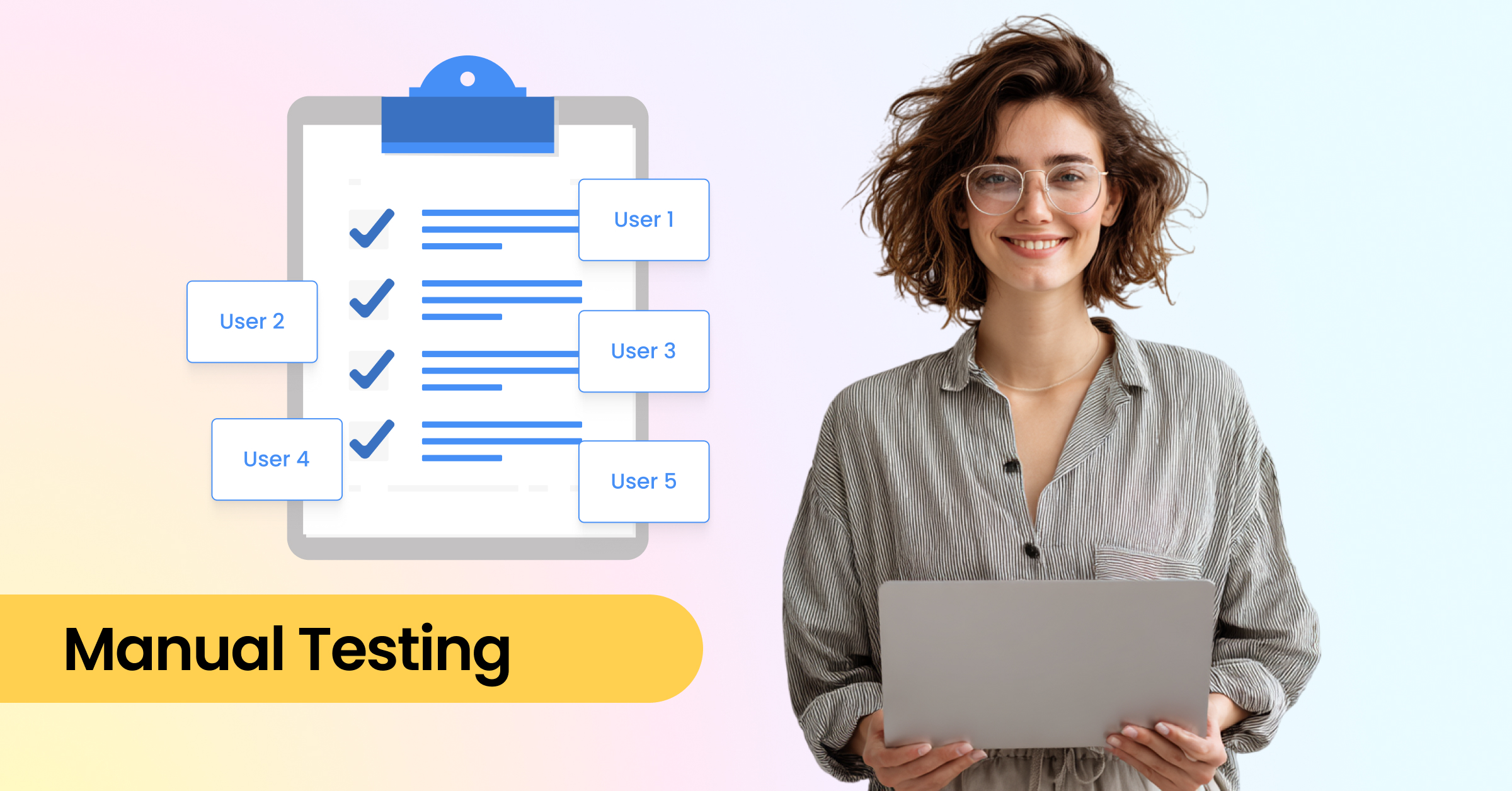
Om aspecten te detecteren die geautomatiseerde methoden over het hoofd zien, zijn handmatige tests cruciaal. De focus ligt hier op daadwerkelijke bruikbaarheid: kan de hele website ook met alleen het toetsenbord worden gebruikt? Zijn de koppen duidelijk gestructureerd, de formulieren correct gelabeld en de navigatie-elementen logisch opgebouwd?
Een essentieel onderdeel is het testen met schermlezers zoals NVDA, JAWS of VoiceOver. Pas dan wordt duidelijk of het werkt. ARIA-attributen zijn correct geïmplementeerd en de broncode is semantisch correct. Bovendien speelt cognitieve toegankelijkheid een rol: zijn foutmeldingen duidelijk geformuleerd, is de menunavigatie logisch en is de inhoud niet overweldigend?
Naast het gebruik van duidelijke taal kunnen UX-methoden zoals gebruikersreizen of toegankelijkheidsheuristieken helpen om de gebruikerservaring systematisch vanuit verschillende perspectieven te beoordelen.
Ook de bruikbaarheid op mobiele apparaten is cruciaal. Responsief design, voldoende grote klikdoelen en bedienbaarheid tot 200% zoom zijn essentieel. De taalstijl draagt eveneens bij aan de toegankelijkheid: leesbaarheidsanalyses met eenvoudige tools helpen teksten te vereenvoudigen en de inhoud voor een breder publiek begrijpelijker te maken.
Tussen de snelle maar beperkte geautomatiseerde methoden en audits door experts bestaan hybride benaderingen die beide combineren. Semi-geautomatiseerde, begeleide testsystemen leiden teams door de belangrijkste inspectiestappen met duidelijke workflows en checklists, waarbij de resultaten direct in de software worden vastgelegd. Dit stelt minder ervaren medewerkers in staat om op een gestructureerde manier te testen en veelvoorkomende knelpunten vroegtijdig te signaleren.
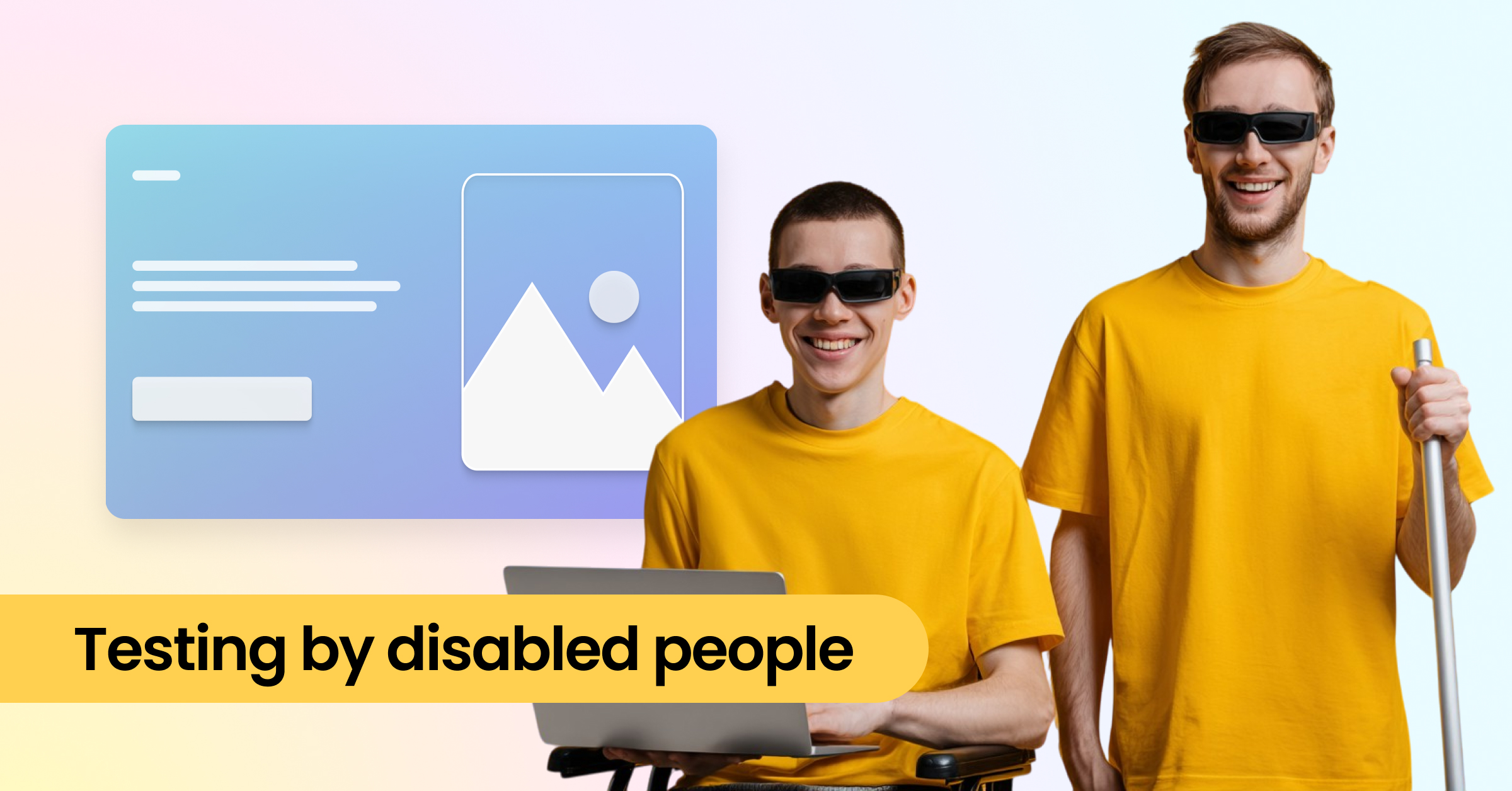
Gebruikersonderzoek met mensen met een beperking Dit is ook bijzonder waardevol. Deze vorm van "crowdsourced testen" biedt praktische feedback en laat zien of een applicatie daadwerkelijk werkt in het dagelijks leven. Uiteindelijk is de beste toegankelijkheidstest degene die de daadwerkelijke ervaring van gebruikers meet.
Om te voldoen aan wettelijke vereisten, zoals die van de EAA, deskundige audits zijn de meest betrouwbare methode. Specialisten controleren uw website of webapplicatie aan de hand van officiële criteria en catalogi zoals de Richtlijnen voor toegankelijkheid van webinhoud (WCAG) of gerelateerde nationale normen. De analyse is doorgaans gebaseerd op een representatieve steekproef, die gedetailleerd wordt geëvalueerd en een nauwkeurig beeld geeft van de mate van toegankelijkheid.
Een succesvolle audit kan leiden tot een toegankelijkheidsmarkering of certificering Dit zorgt niet alleen voor rechtszekerheid, maar versterkt ook het vertrouwen van de gebruiker. Omdat websites en applicaties continu worden doorontwikkeld, is het raadzaam om dergelijke audits regelmatig te herhalen – idealiter jaarlijks.
Hulpmiddelen voor gebruiksgemak kunnen een website gebruiksvriendelijker maken door individuele aanpassingen mogelijk te maken, zoals vergrote tekst, aangepast contrast of voorleesfuncties. Ze bieden daarmee een echte meerwaarde voor specifieke gebruikersgroepen.
Deze oplossingen bereiken echter al snel hun grenzen. Zogenaamde overlay-technologieën Ze worden vaak aangeprezen als een snelle "alles-in-één"-oplossing, maar kunnen fundamentele problemen niet oplossen. Structurele fouten in de HTML-code, ontbrekende alternatieve tekst of onlogische navigatie blijven bestaan. Dergelijke tools zijn daarom slechts een tijdelijke aanvulling en mogen nooit een goed ontwikkelde website vervangen. toegankelijk door ontwerp .
Toegankelijkheid is geen eenmalig project, maar een continu proces. Een efficiënte aanpak houdt daarom in: regelmatig testen, verschillende methoden combineren en de resultaten stapsgewijs in de verdere ontwikkeling integreren.
Toegankelijkheid is geen aan/uit-schakelaar, maar een geleidelijk proces. Het doel is om steeds dichter bij de toegankelijkheid te komen. WCAG criteria stap voor stap doorlopen – en daarmee niet alleen aan de wettelijke eisen voldoen, maar ook de gebruiksvriendelijkheid permanent verbeteren.
Een effectief testproces verbindt verschillende niveaus:
Wekelijks/Dagelijks: Geautomatiseerde tests voor nieuwe of gewijzigde pagina's.
Maandelijks: Gerichte handmatige controles van belangrijke pagina's, bijvoorbeeld toetsenbordnavigatie of formulieren.
Jaarlijks: Uitgebreide audits door experts, zoals WCAG-tests.
Dit zorgt voor een evenwichtig systeem dat zowel snelle reacties als kwaliteitsborging op lange termijn garandeert.
Om deze aanpak te laten slagen, moet toegankelijkheid stevig verankerd zijn in het ontwikkelingsproces. Dit omvat duidelijke verantwoordelijkheden binnen het team en het integreren van tests als vast onderdeel van de CI/CD-workflow (Continuous Integration/Continuous Delivery). Alleen zo wordt toegankelijkheid een vanzelfsprekend onderdeel van het digitale dagelijks leven.
Toegankelijkheid is geen eenmalig project, maar een continu proces. Met een duidelijke testaanpak – van geautomatiseerde tests tot handmatige tests en audits door experts – leg je een solide basis voor een inclusieve website. Het is cruciaal om toegankelijkheid continu te integreren in je werkprocedures en dit regelmatig te controleren.
Dit komt niet alleen mensen met een beperking ten goede, maar al uw gebruikers door een betere bedienbaarheid, begrijpelijker content en een algeheel prettigere gebruikerservaring. Wie vandaag investeert, profiteert van een groot bereik, vertrouwen en juridische zekerheid op de lange termijn.
De beste manier om te beginnen is met een geautomatiseerde test Gebruik bijvoorbeeld een gratis website-scan om snel de meest voor de hand liggende toegankelijkheidsproblemen te identificeren en de eerste verbeteringen door te voeren. Handmatige tests De volgende stap, zoals het controleren van de bedienbaarheid van het toetsenbord, moet worden genomen om de gebruikerservaring volledig in kaart te brengen.
Hoe vaak moet ik toegankelijkheidstests uitvoeren?
Geautomatiseerde tests moeten bij elke grote wijziging worden uitgevoerd of minstens wekelijks Handmatige tests dienen maandelijks te worden uitgevoerd op belangrijke onderdelen, en een uitgebreide audit door een expert (WCAG-test) wordt jaarlijks of bij grote herlanceringen aanbevolen.
Nee. Hulpmiddelen en overlaytechnologieën zijn een individuele aanvulling, maar geen vervanging voor toegankelijke code van uw webapplicatie. Fundamentele structurele fouten in de HTML-code moeten in de broncode worden gecorrigeerd.
De kosten variëren sterk. Geautomatiseerde tests zijn vaak gratis of goedkoop. De kosten voor een gedetailleerde audit door een expert (WCAG-test) worden bepaald door de omvang en complexiteit van de te controleren webapplicatie.
Toegankelijkheid begint in de code: met Eye-Able kunt u uw websites en applicaties controleren op correcte ARIA-labels en andere barrières – wettelijk conform en efficiënt.
Een overlay maakt een website niet vanzelf toegankelijk
Lees verhaal:no_upscale())
Digitale toegankelijkheid en SEO: waarom ook Google van deze websites houdt
Lees verhaal:no_upscale():format(png))
"Digitale toegankelijkheid is nu geen prioriteit" - en dat kost je elke dag omzet
Lees verhaal:no_upscale():format(png))
Toegankelijkheid iPhone: zo haal je alles uit de toegankelijkheidsinstellingen
Lees verhaal:no_upscale():format(png))
Mobiele toegankelijkheid: ben jij er klaar voor?
Lees verhaal
AI accessibility: Hoe organisaties inclusieve digitale ervaringen maken
Lees verhaal:no_upscale():format(png))
Eye-Able als alternatief: wat organisaties écht nodig hebben
Lees verhaal:no_upscale())
Hoe kom ik aan een toegankelijkheidsverklaring voor de EAA?
Lees verhaal:no_upscale())
Wat is Alt Tekst voor obstakelvrij lezen van beelden?
Lees verhaal:no_upscale())
Hoe AI een handje helpt bij de Wet Digitale Toegankelijkheid
Lees verhaal:no_upscale())
Veelgemaakte fouten Wet Digitale Toegankelijkheid (EAA)
Lees verhaal:no_upscale())
De Wet Digitale Toegankelijkheid (EAA) voor het MKB: Zo krijg je je medewerkers mee!
Lees verhaalNeem contact met ons op en we helpen u graag verder.
:no_upscale():format(png))
:no_upscale():format(png))